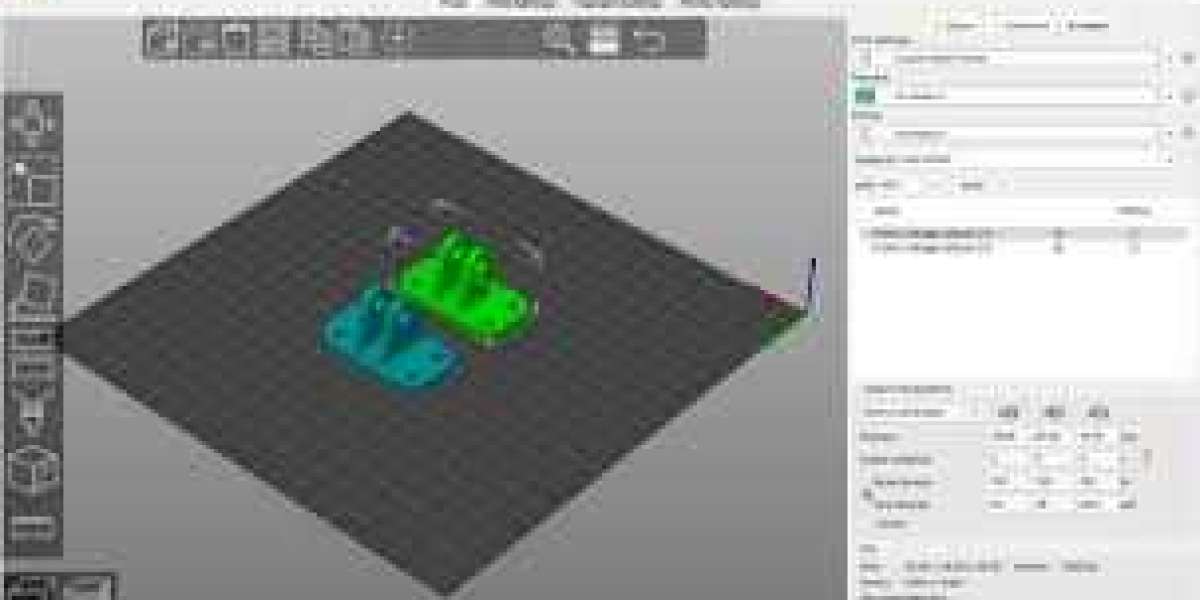

3D printing has revolutionized the way creators bring their ideas to life, but even the most sophisticated 3D printer is only as good as the software that controls it. Free 3D printing slicer software has become an essential tool for hobbyists, engineers, and designers looking to turn digital models into tangible objects. These programs translate your 3D models into instructions your printer understands, known as G-code, controlling everything from layer height to print speed. While many paid slicers exist, free options have grown robust enough to deliver professional-quality prints when used efficiently.
However, mastering free 3D printing slicer software requires more than simply loading a model and hitting print. Understanding its capabilities, settings, and common pitfalls can save both time and materials. By following these tips and tricks, users can maximize print quality, reduce failed prints, and gain deeper insights into the 3D printing process. The right approach can turn even beginners into proficient slicer users.
Choosing the Right Free 3D Printing Slicer Software
Selecting the appropriate free 3D printing slicer software is the first step toward efficient printing. Popular options like Ultimaker Cura, PrusaSlicer, and MatterControl offer a range of features suitable for various skill levels. Cura, for example, is highly user-friendly and supports a wide range of printers, making it ideal for beginners. PrusaSlicer, on the other hand, excels in detailed print optimization and advanced customization, appealing to more experienced users. Knowing which software aligns with your printer and goals ensures smoother operations and better results.
Another key consideration when choosing free 3D printing slicer software is community support and updates. Software with an active user base often has tutorials, plug-ins, and troubleshooting guides readily available, which can be invaluable when navigating complex features. Additionally, frequent updates improve compatibility, add new tools, and fix bugs, contributing to a more reliable slicing experience. Investing time in selecting the right slicer pays off in consistency and print quality.
Mastering the Essential Settings
Understanding the core settings in free 3D printing slicer software is crucial for efficient and high-quality prints. Layer height, for instance, determines the resolution of your print. Lower layer heights produce smoother surfaces but increase print time, while higher layers save time but reduce detail. Other essential settings include infill density, print speed, and support structures. Adjusting these parameters based on the model and material ensures optimal results and prevents common printing issues like warping or stringing.
Temperature settings are equally important for achieving reliable prints with free 3D printing slicer software. Each filament type—PLA, ABS, PETG—requires a specific nozzle and bed temperature for proper adhesion and strength. Many slicers include recommended temperature profiles, but fine-tuning them based on your printer’s characteristics can significantly improve print quality. Spending time to master these settings reduces failed prints, conserves filament, and increases overall efficiency.
Using Advanced Features for Efficiency
Once you are familiar with the basics, leveraging advanced features in free 3D printing slicer software can save both time and resources. Features like variable layer height allow printers to use finer layers on detailed areas while using thicker layers in less critical sections. This reduces print time without sacrificing quality. Other advanced tools include custom supports, adaptive infill, and sequential printing, which optimize material usage and minimize post-processing work.
Custom scripts and plug-ins further enhance the functionality of free 3D printing slicer software. Many slicers support post-processing scripts that automate tasks like filament changes, bed leveling, or print pausing. These tools allow users to tailor the slicer to their workflow, improving efficiency and consistency. Exploring these features transforms the slicer from a simple converter into a powerful tool for professional-quality 3D printing.
Optimizing Model Placement and Orientation
Proper model placement and orientation in free 3D printing slicer software can drastically affect print quality and strength. Aligning the model to minimize overhangs reduces the need for support structures, saving both time and filament. Rotating models for better layer adhesion and strategic placement on the print bed ensures even cooling, reducing warping and improving dimensional accuracy. Small adjustments in orientation can lead to significant improvements in the final print.
Another useful trick is arranging multiple models efficiently on the print bed. Free 3D printing slicer software typically includes automatic layout features, but manually positioning models can maximize bed utilization and reduce print time. Ensuring adequate spacing prevents collisions and improves airflow around each model, which is particularly important for prints with intricate details. Mastering placement strategies is a simple yet effective way to optimize every print.
Regular Maintenance and Calibration
Even the most advanced free 3D printing slicer software cannot compensate for a poorly maintained printer. Regular calibration of the bed, nozzle, and extruder ensures that your slicer’s settings translate accurately into physical prints. Most slicers include tools to assist with leveling and extrusion calibration, which should be used before every major print. Consistent maintenance extends printer life and improves print reliability.
Additionally, keeping the slicer software itself up to date is critical. Updates often include bug fixes, new slicing algorithms, and compatibility improvements that enhance print quality. Backing up profiles and settings ensures you can quickly recover your optimized configurations. By combining software proficiency with hardware maintenance, users can achieve consistent, high-quality results while maximizing efficiency in 3D printing.
Conclusion
Using free 3D printing slicer software efficiently requires a balance of understanding software features, mastering essential settings, and maintaining your printer. By carefully choosing the right slicer, leveraging advanced features, optimizing model placement, and staying consistent with maintenance, users can significantly improve both print quality and workflow efficiency. These tips and tricks transform the 3D printing process from a trial-and-error hobby into a precise and rewarding creative pursuit.
With dedication and practice, even free slicer software can rival paid alternatives, making high-quality 3D printing accessible to hobbyists and professionals alike. The key is to experiment, learn, and continuously refine your slicing strategy to unlock the full potential of your 3D printer.