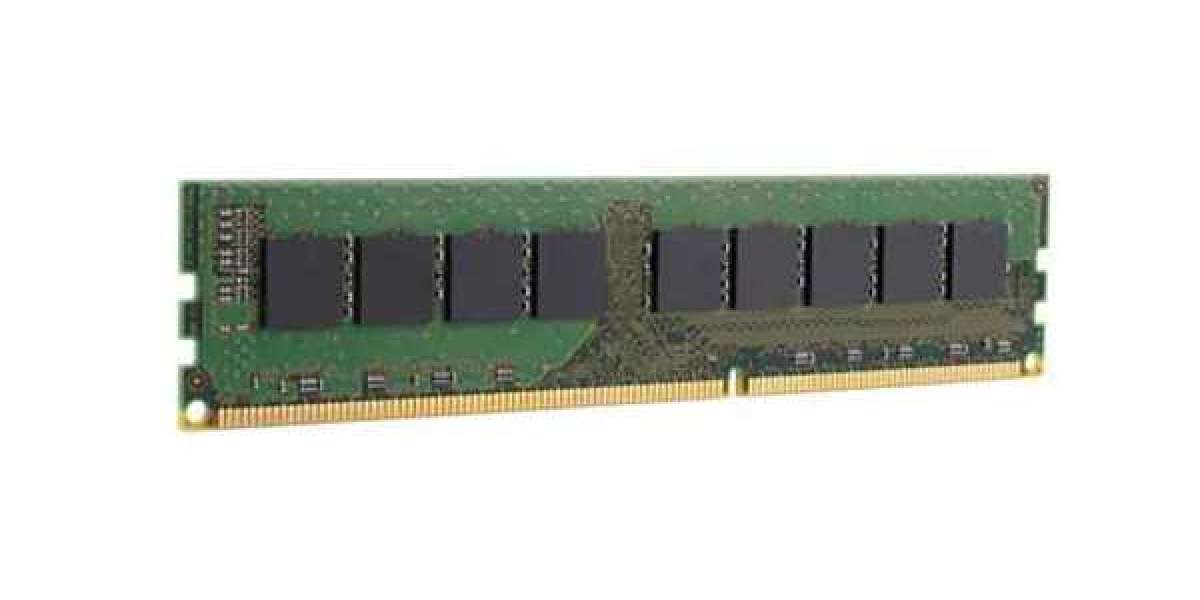

Laptop memory, or RAM (Random Access Memory), is one of the most crucial components affecting your device’s performance. It temporarily stores data that your system needs while running applications, allowing your laptop to operate quickly and smoothly. Without sufficient RAM, even basic tasks can become sluggish and frustrating.
Why Laptop Memory Matters
Laptop memory is responsible for handling all active processes and applications. Whether you're browsing the web, streaming videos, editing documents, or running demanding software, your laptop relies on RAM to keep everything running efficiently. More memory means your laptop can manage more tasks at once without slowing down or freezing.
Choosing the Right Type
Most modern laptops use DDR4 memory, although newer models are starting to adopt DDR5 for even better speed and efficiency. It’s important to check your laptop’s specifications to see which type it supports. Additionally, memory speed, measured in MHz, plays a role in performance, but capacity often has a bigger impact for general users.
How Much RAM Do You Really Need?
The right amount of RAM depends on how you use your laptop. For basic tasks like web browsing, email, and word processing, 8GB is usually sufficient. If you frequently multitask, work with large files, or use creative software like photo or video editors, 16GB or more is ideal. Gamers and professionals running intensive programs may benefit from 32GB or higher.
Upgrading Your Laptop Memory
Many laptops allow you to upgrade your memory, although some ultra-slim models have soldered RAM that can’t be replaced. If your laptop supports upgrades, installing additional memory is often one of the easiest and most cost-effective ways to improve performance. Always ensure compatibility with your system by checking manufacturer guidelines or consulting with a tech professional.
The Final Word
Laptop memory plays a critical role in how your device performs day-to-day. Understanding what it is, why it matters, and how to upgrade it can make a big difference in your laptop’s speed and efficiency. Whether you're extending the life of an older machine or building a new one, investing in the right RAM ensures a smoother, faster computing experience.