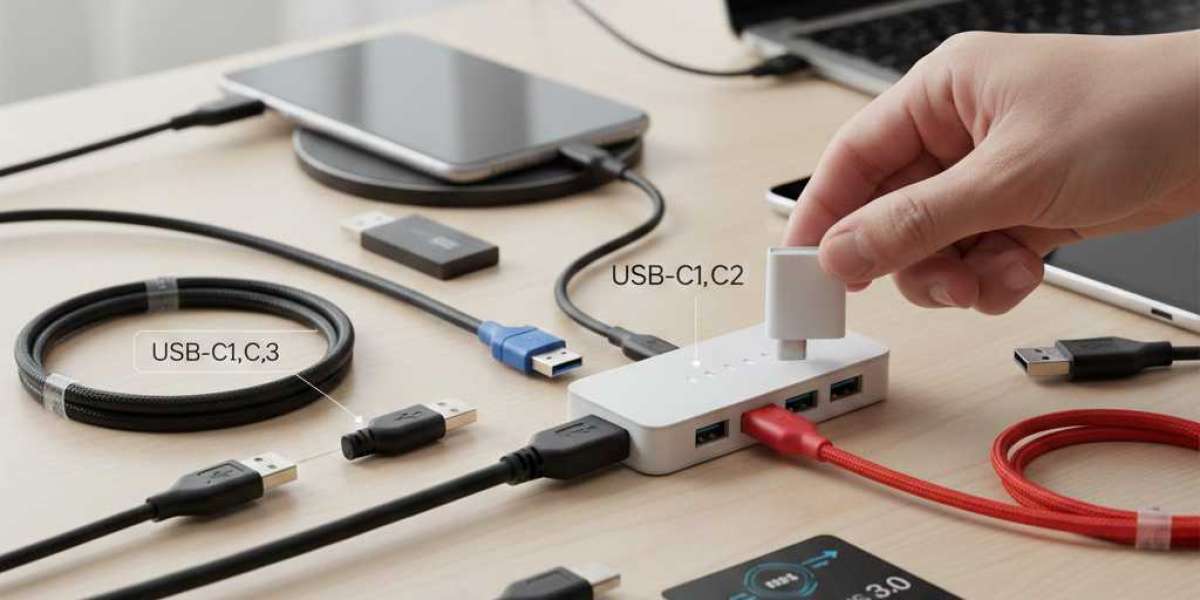

USB connectors are everywhere—your smartphone charger, laptop, camera, gaming console, and even home appliances. These small connectors play a big role in powering devices, transferring data, and keeping everything connected. However, not all USB connectors are the same. Each type has its own shape, purpose, and compatibility.
In this blog, you will learn about the four most common types of USB connectors: USB-A, USB-B, USB-C, and Micro-USB. You will also understand their uses and differences so you can choose the right connector for your devices.
1. USB Type-A
USB Type-A is the most common and recognizable USB connector. It has a flat and rectangular shape. You usually see it on laptops, desktop computers, TVs, game consoles, and chargers.
This connector is used for transferring data and powering devices. Most flash drives also use the USB-A connector. Even though it has been around for many years, it is still widely used in modern devices.
One limitation of USB-A is that you must plug it in the correct way because it is not reversible. If you try to insert it upside down, it won’t fit. This is one of the main reasons why newer connectors like type c usb were introduced.
2. USB Type-B
USB Type-B connectors are square-shaped with slightly beveled edges. They are mainly used in larger devices such as printers, scanners, external hard drives, and audio interfaces.
This connector is durable and designed for devices that do not require frequent plugging and unplugging. Many older printers still use USB Type-B ports, while newer versions may use USB-C instead.
There are variations of USB-B such as Mini-B and Micro-B, but the traditional Type-B is larger and less common in today’s smartphones and small electronics.
3. USB Type-C
USB Type-C is the latest and most advanced USB connector used today. It is small, slim, reversible, and supports high-speed data transfer as well as fast charging. Because of these features, USB-C has quickly become the universal standard for most modern devices.
A type c usb connector can be found on smartphones, laptops, tablets, cameras, power banks, docking stations, and gaming consoles. Unlike older connectors, you can plug in USB-C from either side, which makes it more user-friendly.
USB-C also supports powerful technologies like Thunderbolt, DisplayPort, and USB Power Delivery (USB-PD). This means one cable can charge your laptop, transfer large files, and even connect to a 4K monitor.
Many brands are moving toward USB-C only, making it the future of connectivity.
4. Micro-USB
Before USB-C became popular, Micro-USB was the standard connector for Android phones, Bluetooth speakers, cameras, and power banks. It is smaller than USB-A and Type-B, which made it ideal for compact devices.
Micro-USB connectors still exist in many devices today, especially budget smartphones, headphones, and older electronics. However, they are being replaced by type c usb connectors because USB-C is faster, more durable, and supports higher power delivery.
One drawback of Micro-USB is that it is not reversible. Like USB-A, it must be inserted in the correct direction.
How These USB Types Differ
The differences between these connectors are based on design, speed, and functionality. USB-A is the traditional connector used in computers. USB-B is used mostly for printers and larger devices. Micro-USB was once common in mobile devices. USB-C, however, combines all features and improves them, making it the preferred connector for modern technology.
USB-C is the only connector that supports fast charging, high-speed data transfer, audio and video output, and reversible design—all in a small size. This is why most new phones, laptops, and accessories now rely on USB-C ports.
Which USB Connector Should You Use?
The right USB connector depends on the device you are using. For example, if you need to connect a printer, you may need USB-B. For older smartphones or power banks, you might need Micro-USB. For modern devices, type c usb is the best choice because it is faster, safer, and more future-proof.
If you are upgrading your devices or cables, choosing a USB-C compatible accessory is a smart long-term option. Many brands, including Apple and Android manufacturers, have already moved to USB-C for standardization.
Why USB-C Is Becoming the Universal Standard
USB-C is becoming popular because it solves the limitations of older connectors. It charges faster, transfers data more quickly, and supports more functions. It is also more durable and easier to use because you don’t need to check orientation while plugging it in.
Governments and tech organizations worldwide are also promoting USB-C as a universal charging standard to reduce electronic waste. This is why more companies are adopting USB-C ports in all types of devices.
Final Thoughts
Understanding the four types of USB connectors helps you make better decisions when buying cables, chargers, or devices. USB-A, USB-B, Micro-USB, and USB-C each serve different purposes, but type c usb is now the leading standard for modern electronics.
If you want faster charging, reliable data transfer, and universal compatibility, USB-C is the best choice. As technology evolves, USB-C will continue to replace older connectors, making electronics simpler and more efficient for everyone.
Sources: https://techbii.com/7-key-usb-adapter-features-for-better-connectivity/
https://logcla.com/blogs/1079681/How-to-Use-a-USB-Adapter