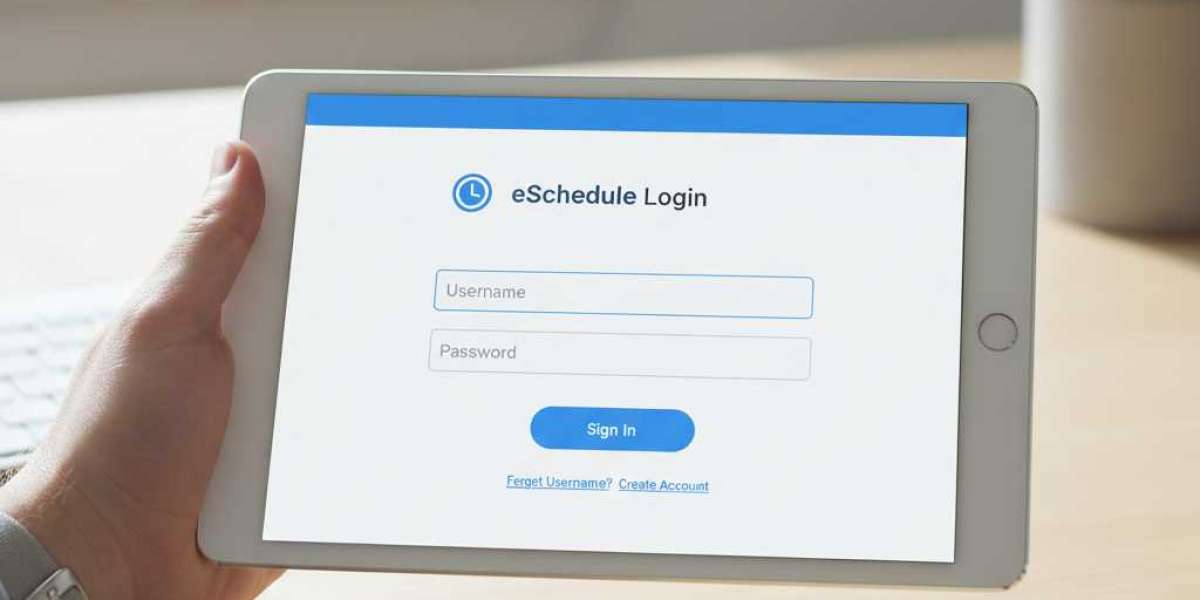

Managing a complex workforce, especially in industries like EMS, Fire, or Public Safety, requires more than just a spreadsheet. This is where eSchedule software comes into play. It is a powerful tool designed to streamline shift scheduling, timekeeping, and agency management.
If you are a manager looking for eSchedule pricing or an employee trying to find the eschedule login page, this guide covers it all. Below, we break down what is eSchedule, its key features, and how it integrates with your existing systems.
1. What Is eSchedule?
eSchedule is a cloud-based workforce management software designed to simplify the administrative side of running a business or agency. While it is widely used by public safety agencies (EMS/Fire/Police), it is also adaptable for various other industries.
The core purpose of eSchedule software is to replace paper schedules and manual time cards with an automated, online system. It serves as a central hub where every eSchedule employee can view their shifts, trade hours, and sign off on time cards from any device with internet access.
2. eSchedule Login: Accessing Your Account
For new staff members, accessing the system is the first hurdle. Since eSchedule is web-based, you do not need to install heavy programs on your computer.
Here is how the eschedule login process typically works:
- Company ID: Unlike standard websites, you often need your specific Agency or Company ID along with your username.
- Web Access: You can log in via any standard browser (Chrome/Firefox) on a desktop or mobile device.
- Troubleshooting: If you cannot access your account, check with your supervisor. Often, login issues are due to an expired password or an incorrect Company ID.
3. Top eSchedule Features
Why do agencies choose this platform? Here are the standout eSchedule features:
- Scheduling Module: The drag-and-drop interface makes filling open shifts easy. It handles complex rotation patterns automatically.
- Time Attendance: It acts as a digital time clock. An eSchedule employee can clock in and out, and the system automatically calculates overtime based on your agency’s rules.
- Certification Tracking: A critical feature for EMS/Fire. The system alerts you when an employee's CPR or paramedic certification is about to expire.
- Forms Checklists: You can digitize vehicle inspections and incident reports directly within the software.
4. eSchedule Pricing Demo
Budget is always a primary concern. However, eSchedule pricing is not a "one-size-fits-all" model. It is typically a subscription-based service (SaaS).
Costs depend on:
- The number of employees in your organization.
- Which modules you need (e.g., just Scheduling vs. full Time Attendance).
To get accurate numbers, you typically need to request a quote. The company often offers a free eSchedule demo. This allows you to see the software in action and determine if the interface suits your workflow before you commit to a contract.
5. eSchedule Integrations
No software should live in a silo. eSchedule Integrations are robust, designed to save time on payroll.
The software integrates with major payroll providers (like ADP or QuickBooks) and other third-party applications. This means that once an employee’s hours are approved in eSchedule, the data can be pushed directly to your payroll system, eliminating the risk of human error during data entry.
Final Verdict
eSchedule software is a robust solution for organizations that need to bring order to their chaos. From the easy-to-use eschedule login portal for staff to the detailed reporting for administrators, it covers all bases.
However, selecting the right workforce tool is a significant decision.
Are you evaluating scheduling software for your team? Schedule a demo with Codatis today to get expert insights on the best tools for your business.
Frequently Asked Questions (FAQs)
Q1: Is there an eSchedule mobile app?
While eSchedule is mobile-friendly and works great on phone browsers, they also offer mobile capabilities to allow employees to check schedules and clock in from their smartphones.
Q2: How much does eSchedule cost?
eSchedule pricing is custom-quoted based on your agency size. You will need to contact their sales team for a specific monthly or annual rate.
Q3: Can I get a free eSchedule demo?
Yes, the company typically offers a free eSchedule demo for prospective clients to walk through the features with a product specialist.
Q4: What if I forget my eSchedule login password?
On the eschedule login page, there is usually a "Forgot Password" link. If that doesn't work, you must contact your internal system administrator, as they control user access.
Q5: What industries use eSchedule?
While any business can use it, eSchedule features are specifically optimized for 24/7 operations like EMS, Fire Departments, Dispatch Centers, and Law Enforcement.





